A film look for your webcam
GafferCam grades your camera live on your Mac: correct light and skin in one click, then the color, glow and grain of cinema. Your video never leaves your computer.
For Mac with Apple Silicon, macOS 14 or newer. Public release coming soon.
What it does
Auto, for light and skin
One press corrects exposure and white balance, then takes skin tone to normal in up to five seconds. You can undo it.
Color like a film
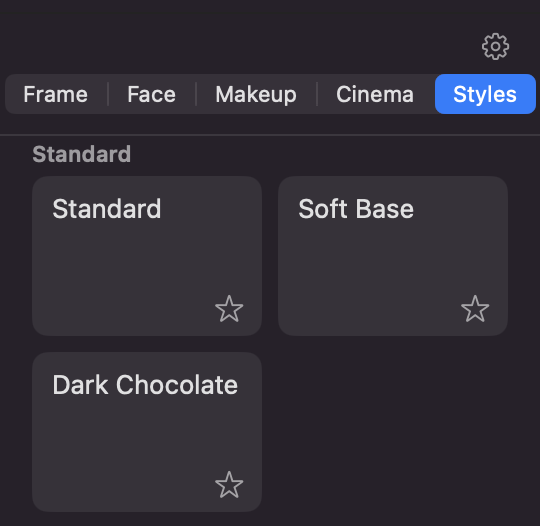
Styles, HSL, toning, and grading of skin and background apart. Skin protection keeps faces natural under strong looks.
Glow, halation, grain
The peach edge of film around highlights, soft bloom, vignette, film grain and overlay textures.
Skin and makeup
Softens pimples and redness and evens skin tone. Optional lips, blush, brows, liner and contouring, with sliders you control.
Cinema mode
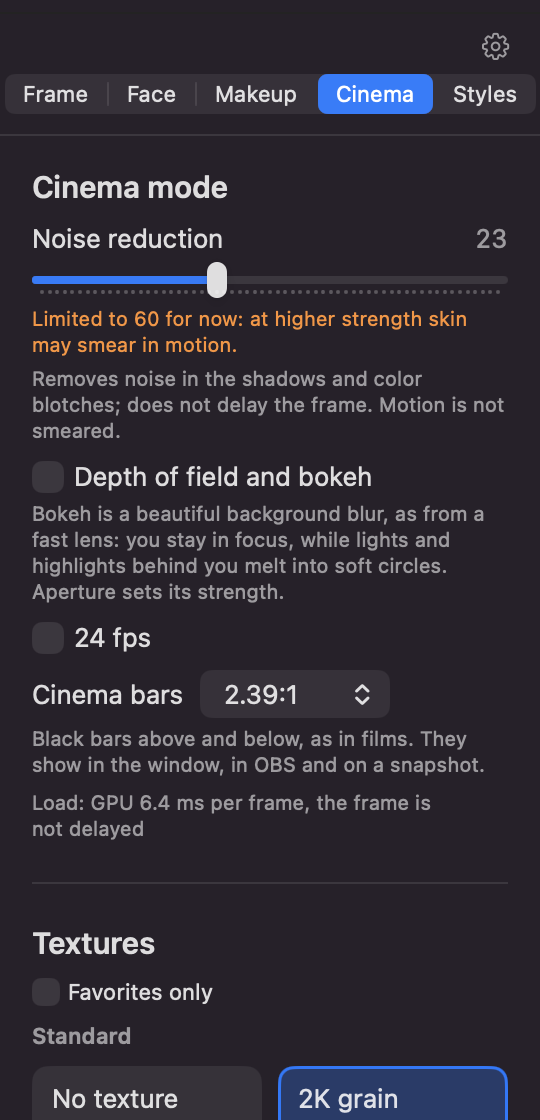
Background blur with bokeh, 24 frames with motion blur, cinema bars at 1.85:1 or 2.39:1.
Private by design
All processing runs on your Mac. Your camera picture is not uploaded anywhere.
Inside the app
Pricing
Every new install starts with 30 days of everything in Pro. No card needed. When it ends, the app goes on working as Free, with no watermark.
Free
A correct picture, every day.
- Auto with skin correction, skin check and protection
- Exposure, white balance, contrast, highlights, shadows, blacks, saturation
- The three standard styles
- Noise reduction, composition
- Output to OBS, snapshots
- No watermark
Pro
Or $29 a year, or $4.99 a month. Cancel a subscription at any time. Works on 2 computers.
- Your own styles, and new style packs
- HSL, toning, density, separate skin and background grading
- Halation, bloom, grain, textures, vignette, sharpness
- Blemish removal, skin tone, makeup and looks
- Bokeh, 24 frames, cinema bars, style from a picture
- No launch screen
Prices are in US dollars, and tax may be added at checkout. Payment is processed by Creem, our merchant of record, which also issues your receipt. 30-day money-back guarantee, see the refund policy.
Questions
- Which apps can I use it with?
- GafferCam sends its picture to OBS. From there, OBS's Virtual Camera can carry it to Zoom, Meet, Telegram and others. GafferCam has no virtual camera of its own yet.
- Which Mac do I need?
- A Mac with Apple Silicon (M1 or newer) and macOS 14 or newer. Heavy effects such as bokeh use more power and may warm up a fanless Mac.
- Does it send my video anywhere?
- No. The picture is processed on your Mac. At launch the app loads a banner and checks for a new version from our site, which sees your IP address like any website. See the privacy policy.
- Does it change who you look like?
- No. GafferCam is a color and light tool with cosmetic effects you control. It does not swap faces, imitate other people or recognize anyone.
- What happens if I cancel?
- Pro stays on until the end of the period you paid for, then the app goes on as Free, with your settings kept. The forever license does not expire and includes updates within its major version.
- How do I get help?
- Write to gaffercamapp@gmail.com.